New: Design with AI
Describe your page.
Qbit designs it.
Tell Qbit what the page is for, add a photo or two, and get three designs to choose from. Refine the one you like, then make it yours in the editor. No blank page, no designer.
Free forever plan · no credit card required
What is the page for?
Casa Rosa, our taqueria: tonight’s specials, the menu, our hours, and a way to book a table. Warm and lively.
Casa Rosa
Tacos, mezcal & music
Tonight
Find us
214 Main St
Open today 11 to 10
Casa Rosa
Tacos, mezcal & music
Tonight
Find us
214 Main St
Open today 11 to 10
Casa Rosa
Tacos, mezcal & music
Tonight
Find us
214 Main St
Open today 11 to 10
How it works
From one sentence to a page you can publish.
No templates to dig through and no empty page to stare at. Start with what you already know about your business.
Describe it
Say what the page is for in your own words. Add a goal, a tone, your photos and your hours if you like. Only the description is required.
Pick one of three
In about half a minute, three designs land side by side, each on a phone the way your visitors will see it.
Refine it
Say what should change, like “warmer colors” or “the hours above the form”, and get three more from the one you liked.
Make it yours
The design opens in the editor. Change any word or block, then publish it to a link or a QR code.
The brief
Give it what you have, get a page that’s yours.
The more you tell it, the closer the first round gets. Everything but the description is optional.
Your photos
Pick from your media library, upload new ones, or search free stock photos. Add a note to each, like “the hero photo” or “our logo”, and the design puts it there.
Your details, nothing made up
Give it your business name, hours, address, phone, and social links. The AI uses what you give it and invents nothing.
Your brand
Design over one of your themes, or let the AI design the look and pin your brand colors to the roles you want them in.
What it must include
Pick the blocks the page has to have. The AI can write a form or a menu for you, or use one of yours, and place your Blocks too.
Then it’s a real page
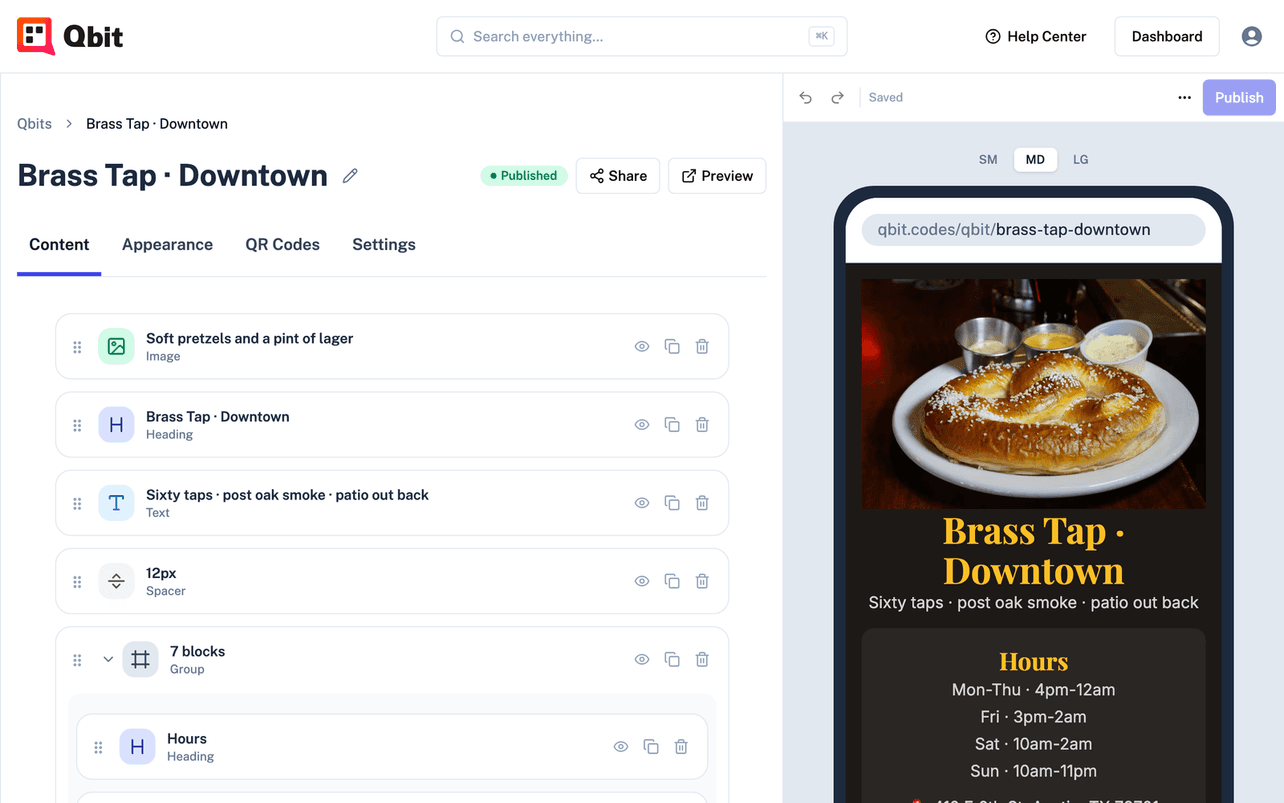
Not a mockup. A Qbit, open in the editor.
The design you choose becomes a page like any other, saved as a draft. Edit every word and block, change the theme, and publish when it’s ready.
- Everything comes with it - its photos go into your media library, and its forms and menus are created for you
- Every round is kept - step back to an earlier round anytime, or go back and change the brief
- Share it your way - a clean link for your bio, a QR code for the table, or both
More AI across Qbit
Less typing, everywhere you build.
Themes from a description
Describe a look and get three themes to choose from. Keep one in your library, or put it straight on your pages.
A new look for any page
On a page you already have, Design a look with AI restyles it in place. Your content stays as it is.
Menus from a PDF
PremiumUpload the PDF menu you already have, and AI reads its sections, items, and prices into a live menu you can edit.
Events from a flyer
PremiumDrop in the flyer or paste the post, and the name, time, venue, and details fill themselves in for you to check.
Included on every plan
AI credits, every month.
Every plan includes AI credits each month, the free plan too: enough for two rounds of page designs on Starter. Credits reset on the first of each month, and a design that fails isn’t charged.
Credits a month
- StarterFree36
- Premium180
- Team+90 per extra seat360
What a credit buys
- A round of 3 page designs18 credits
- A round of 3 themes6 credits
- A menu read from a PDF6 credits
- An event filled in from a flyer1 credit
Your next page is a sentence away.
Describe it, pick a design, and publish. Free to start, no credit card required.