Qbit landing pages
Not just a code.
The whole page.
Every Qbit code can open a page you build in minutes - no code, no designer. Add the blocks you need, arrange them, see it live on a phone, and publish to a clean URL.
Free forever plan · no credit card required
A real page builder
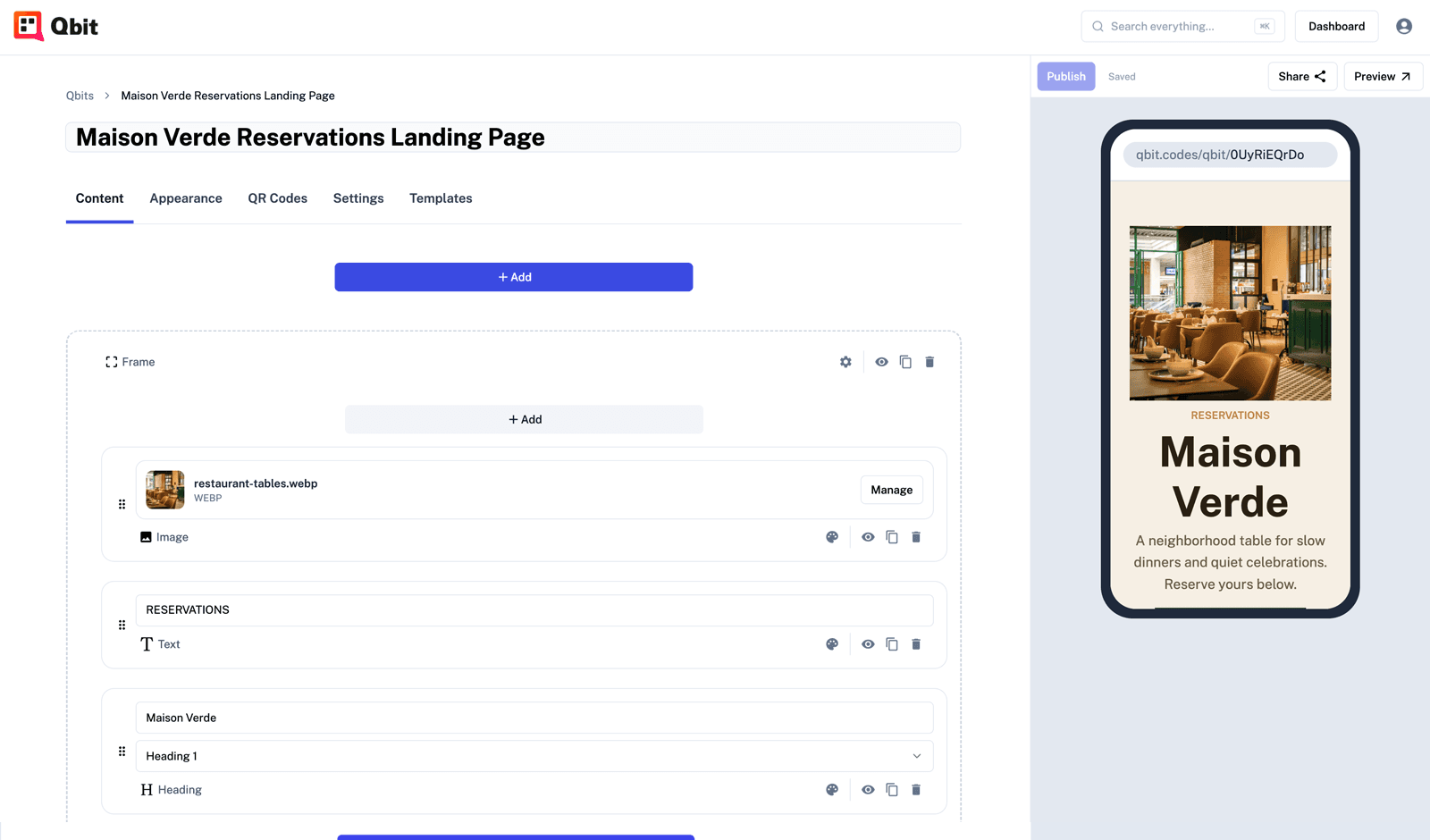
Build a polished page, no code required.
A visual editor made for the phone your codes are scanned on - fast to learn, hard to break.
Arrange blocks, live preview
Add the blocks you need, reorder them, and watch the real page update beside you in a phone frame. What you build is exactly what they scan.
Autosave & safe publishing
Every change saves as you go. Work in a draft, publish when it’s ready, and revert anytime - never lose work.
Clean URLs + SEO built in
Every page gets a tidy /qbit/your-name link with title, description, and social share cards, so a shared link always looks right.
Page blocks
Everything you need, right on the page.
Stack blocks like Lego - no plugins to wrangle, no theme to fight.
Headings & text
Tell your story with styled headings and rich text blocks.
Buttons & links
Send people anywhere - your shop, socials, or another Qbit page.
Images
Drop in photos and graphics, optimized and fast to load on mobile.
Social links
Line up every profile so fans can follow you in one tap.
PDF viewer
Show a menu, brochure, or spec sheet inline - no separate host, no download.
Forms
PremiumCollect signups, reservations, and messages right on the page. Responses save and export to CSV.
Menus
PremiumA live restaurant-style menu with sections, prices, photos, and a two-tap sold-out switch.
Events
PremiumAn always-current list of your upcoming events - past dates drop off automatically.
Start fast, stay on brand
Templates to launch - themes to stay consistent.
Templates
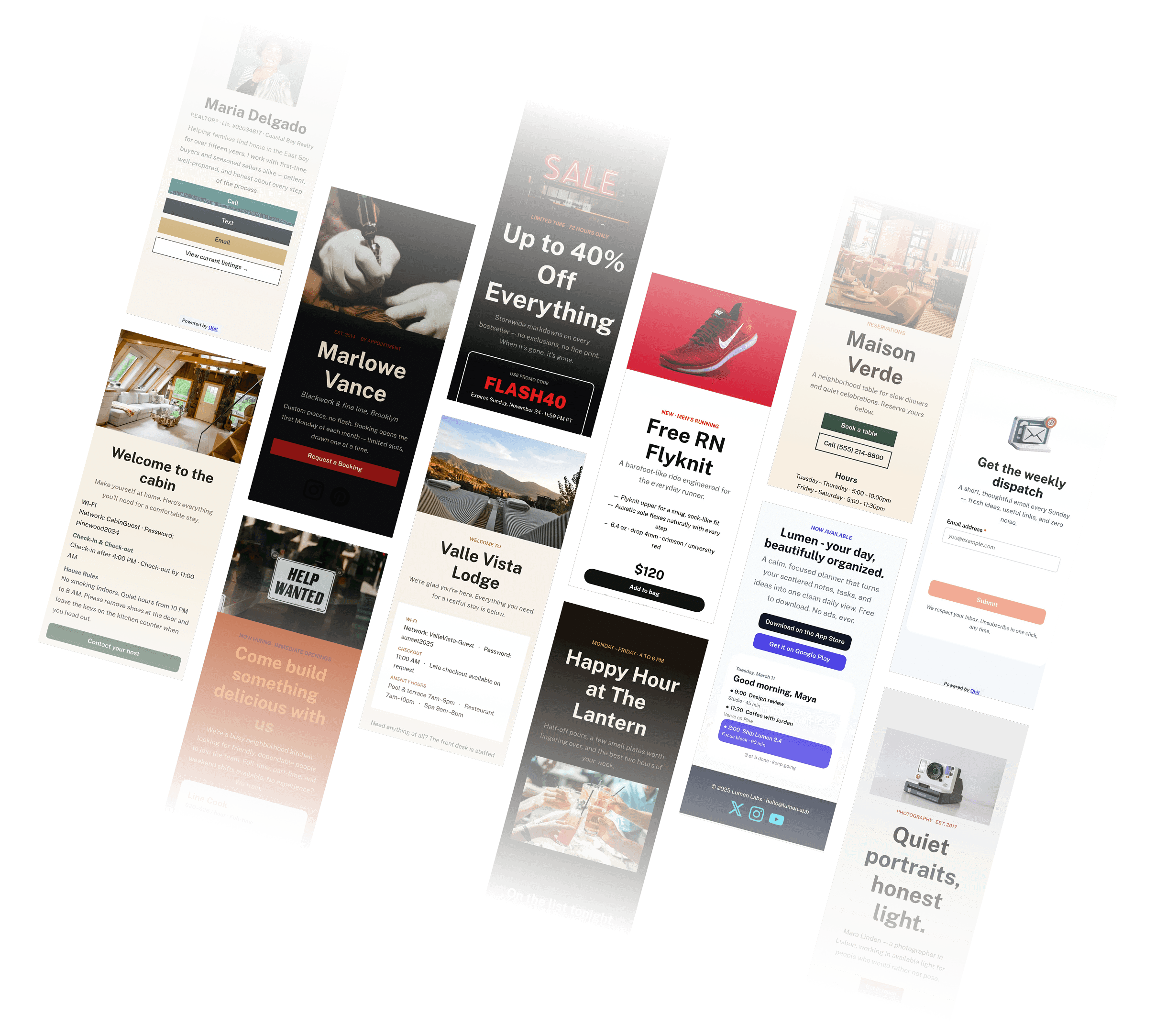
Start from a template, make it yours
Skip the blank page. Pick a ready-made design from a categorized gallery, preview it in a phone frame, and customize from there.
- Categorized gallery - browse templates by category with live phone-frame previews
- Batteries included - a template can bring its own theme, menu, and forms with it
- Or start blank - begin from scratch anytime and build exactly what you want
Themes
Set your brand once. Use it everywhere.
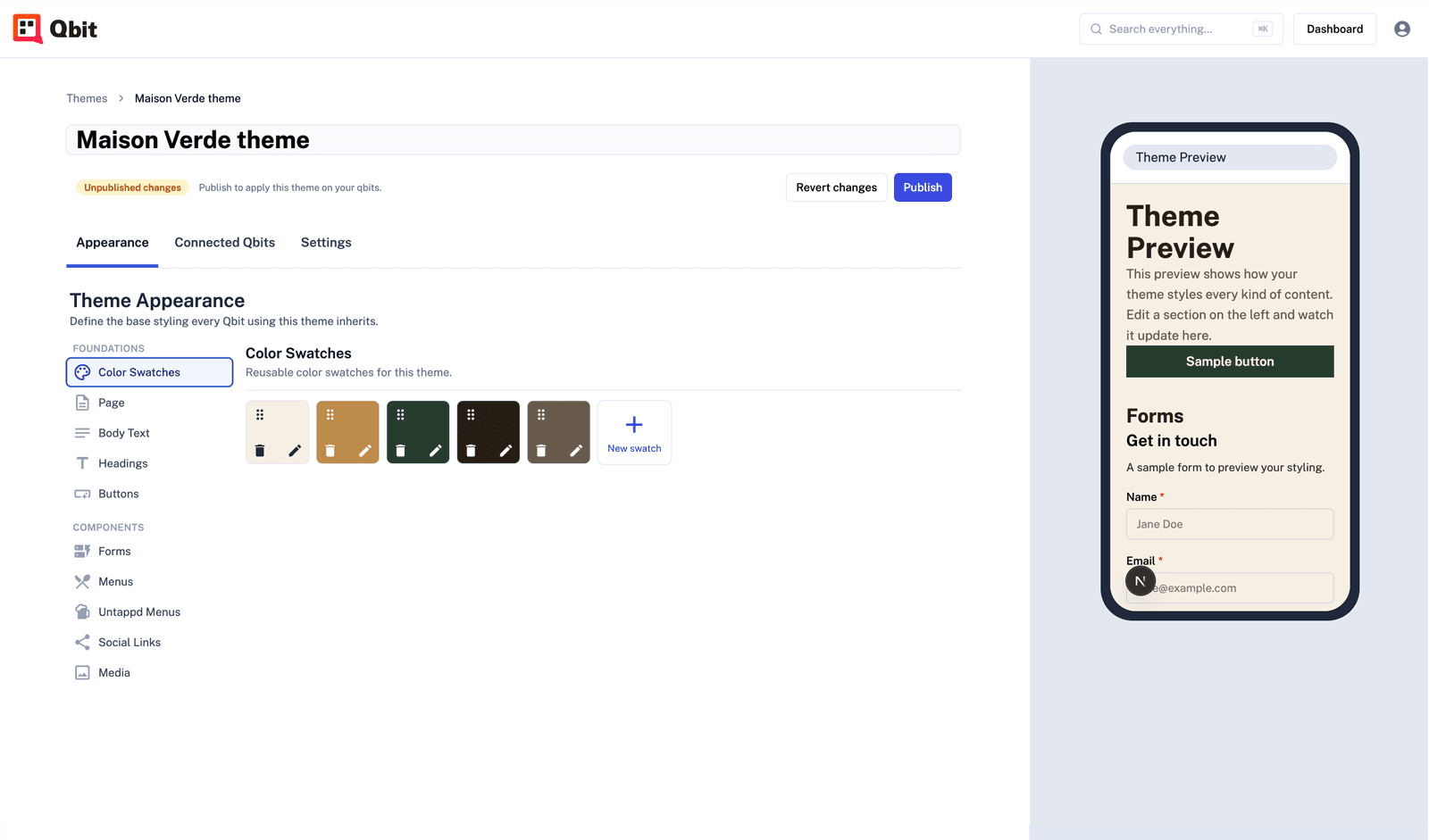
A theme is your reusable look - colors, fonts, and component styling. Apply it across every page, and change it once to update them all.
- Colors, fonts & components - palettes, 43 Google fonts, and per-component styling
- Change once, everywhere - update a theme and every page using it updates instantly
- Preview before you commit - audition a theme on a sample page before applying it
Media
Add media in seconds.
Three ways to get great visuals onto your page - no design software required.
Upload your own
Add images and PDFs to one library and reuse them anywhere. Swap a file and it updates on every page that uses it.
Free photos, built in
Search thousands of free professional photos from Pexels right in the editor and drop one on your page - no upload, no separate stock account.
Canva import
Bring in your Canva designs as images or PDFs and keep them in sync when they change. Connect it on the Integrations page.
Capture & serve
Turn a scan into a customer.
Forms
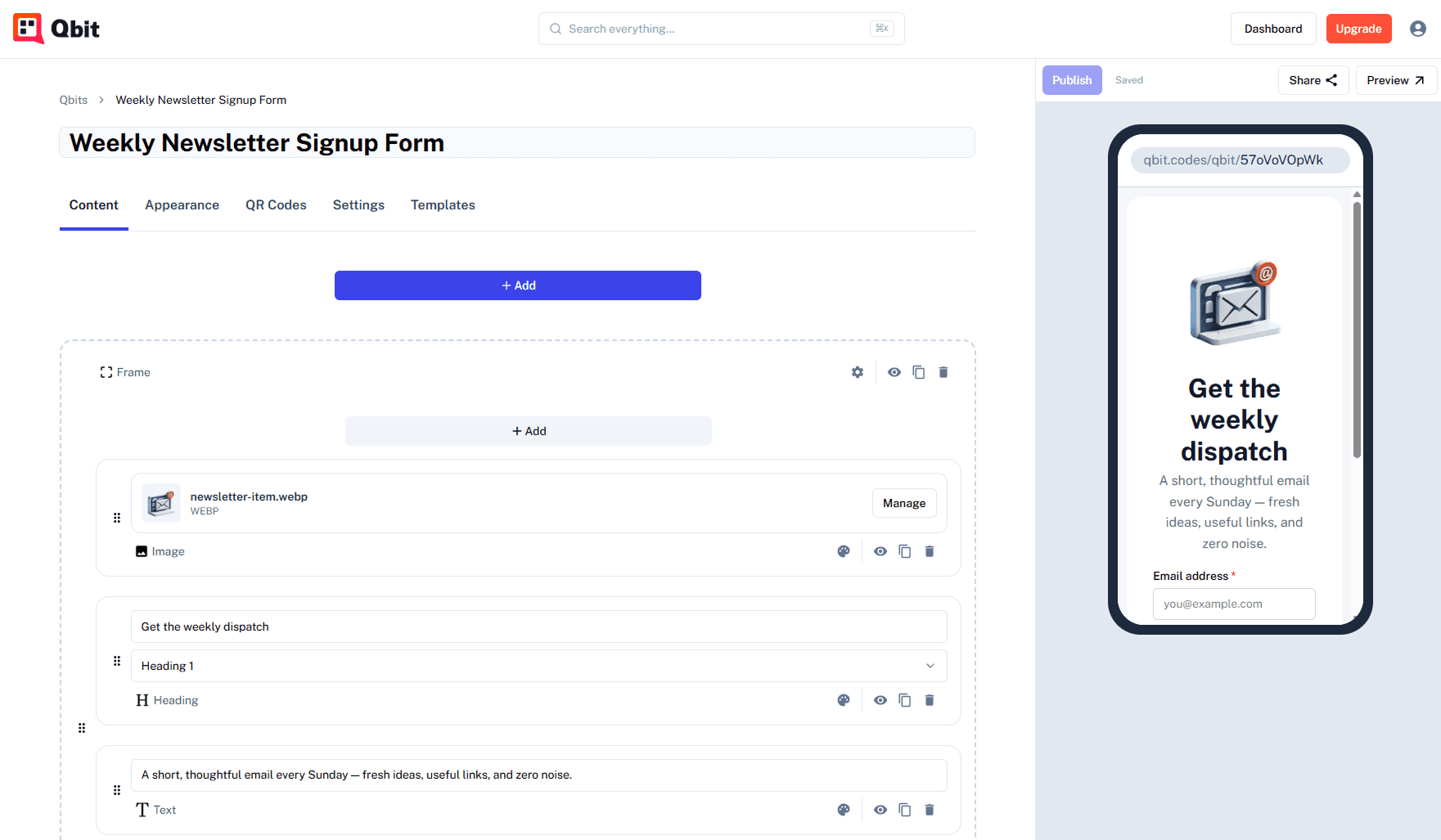
Collect leads right on the page
Add a form to gather signups, reservations, RSVPs, or feedback. Get an email when someone responds, and export every submission to CSV.
- Eight field types - text, email, phone, number, dropdown, checkbox, radio, and more
- Email alerts + CSV export - know the moment a lead comes in and export the full list anytime
- Spam-protected - built-in protection keeps junk out of your responses
Menus
A live menu behind every code
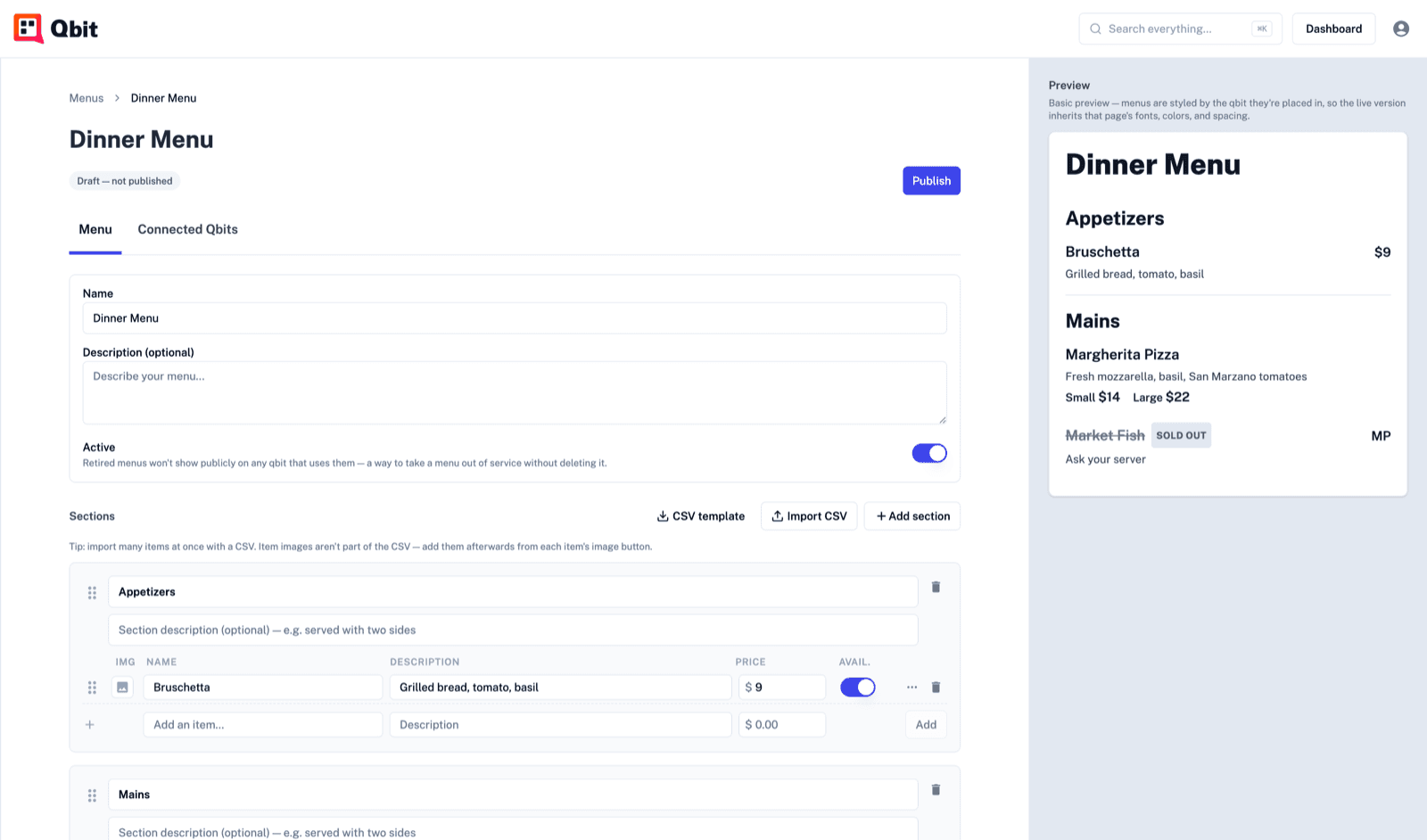
Build a restaurant-style menu with sections, prices, and photos - mark an item sold out or change a price without republishing. Menus render into the page so Google can index them.
- Sections, prices & variants - priced items with photos, descriptions, and glass/bottle-style variants
- Sold-out in two taps - 86 an item or flip a special mid-service - no reprint
- Indexable by search - menu text is server-rendered, so your menu and prices show up in Google
Events
An events lineup that updates itself
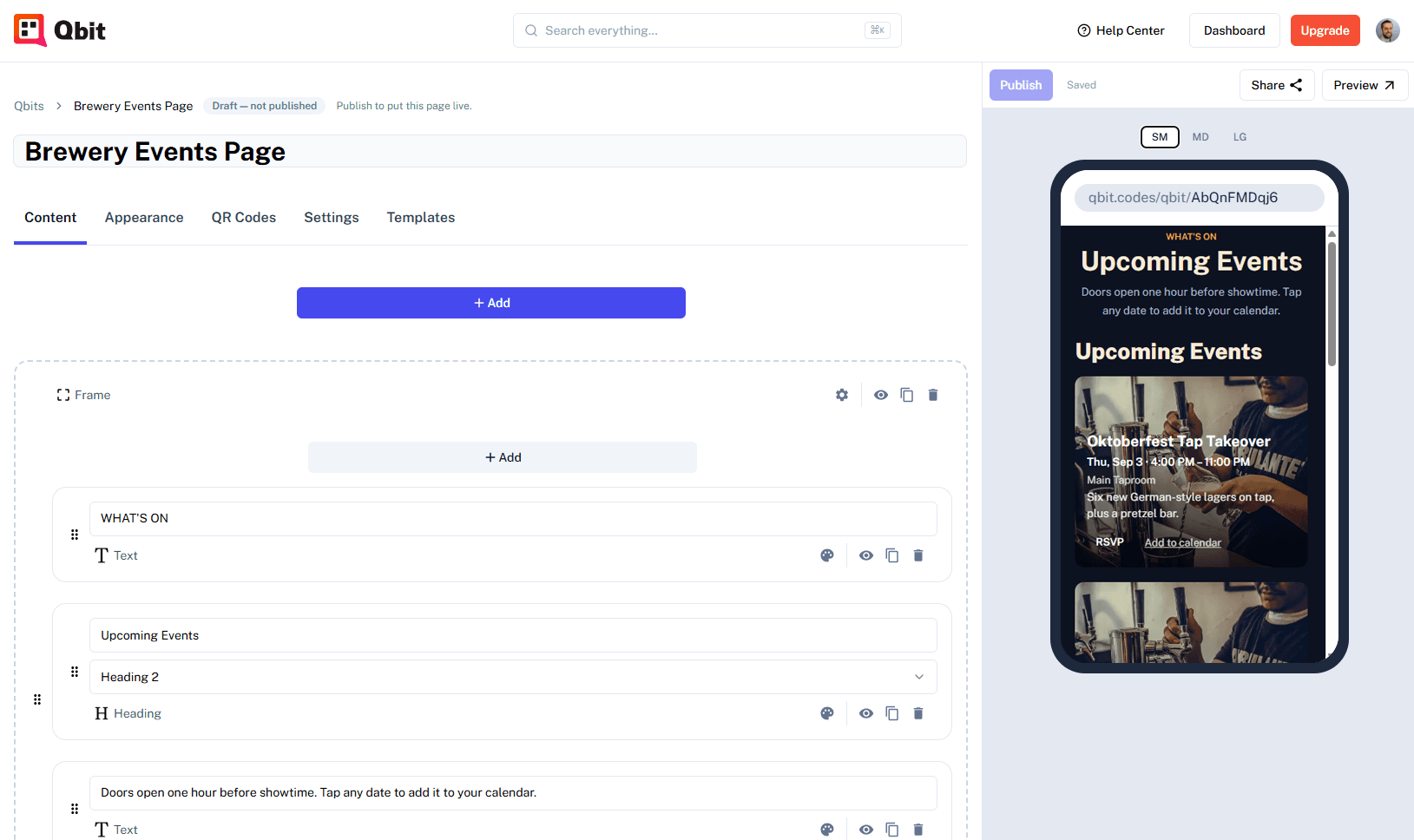
Create your events once - trivia every Wednesday, a one-off tasting - and a live upcoming-events section keeps every page current. Publish a new event and it appears everywhere; when it ends, it drops off on its own.
- Recurring events built in - daily, weekly, or monthly repeats - every date manages itself
- RSVP & add-to-calendar - guests RSVP on the page and save the event to their phone in one tap
- Your look, your layout - vertical list, scrolling row, or carousel - with image, date-chip, or overlay cards
Run a bar or brewery?
Add a live beer menu powered by Untappd - styles, ABV, IBU, and ratings that always match what's actually pouring.
Keep going
Give your page a code - and a home.
Connect a dynamic QR code to your page, then keep everything organized as you grow.
Build your first page free.
Build and publish a page your QR code can open - in minutes, with no code.