Promos
Turn a scan
into a show.
Full-screen slides with your photos and words, the way people already watch stories. Tonight's special, this week's lineup, the new dish: pick a design, make it yours, and show it after a QR scan or from your page.
Free forever plan · no credit card required
How it works
From idea to on the table in minutes.
Pick a design
Say what it is for, then choose a design. It sets the fonts, the layout and how it plays: like a story, a swipe or a feed.
Make it yours
Swap in your photos and words, or fill a slide from an event or a menu item. Up to 10 slides, and the text always fits.
Put it in front of people
After a QR scan, from a button on any of your pages, or at its own link for a text or a post.
See what worked
Views, how far people got, which slide they tapped, and where they saw it.
Everything a promo needs - nothing to design.
You bring the photos and the words. The design takes care of fonts, layout, motion and every phone size.
Designs
10 designs, from classic to comic-book pop
Every design draws any promo, so you can switch at any time and keep your photos and words. Brand colors are yours to set, or pull them from one of your themes.
- Plays like a story, a swipe or a feed - each design picks the motion that suits it
- Text that always fits - a count beside each field shows how much a design holds
- Already have a flyer? - show your own finished image whole, with nothing on top
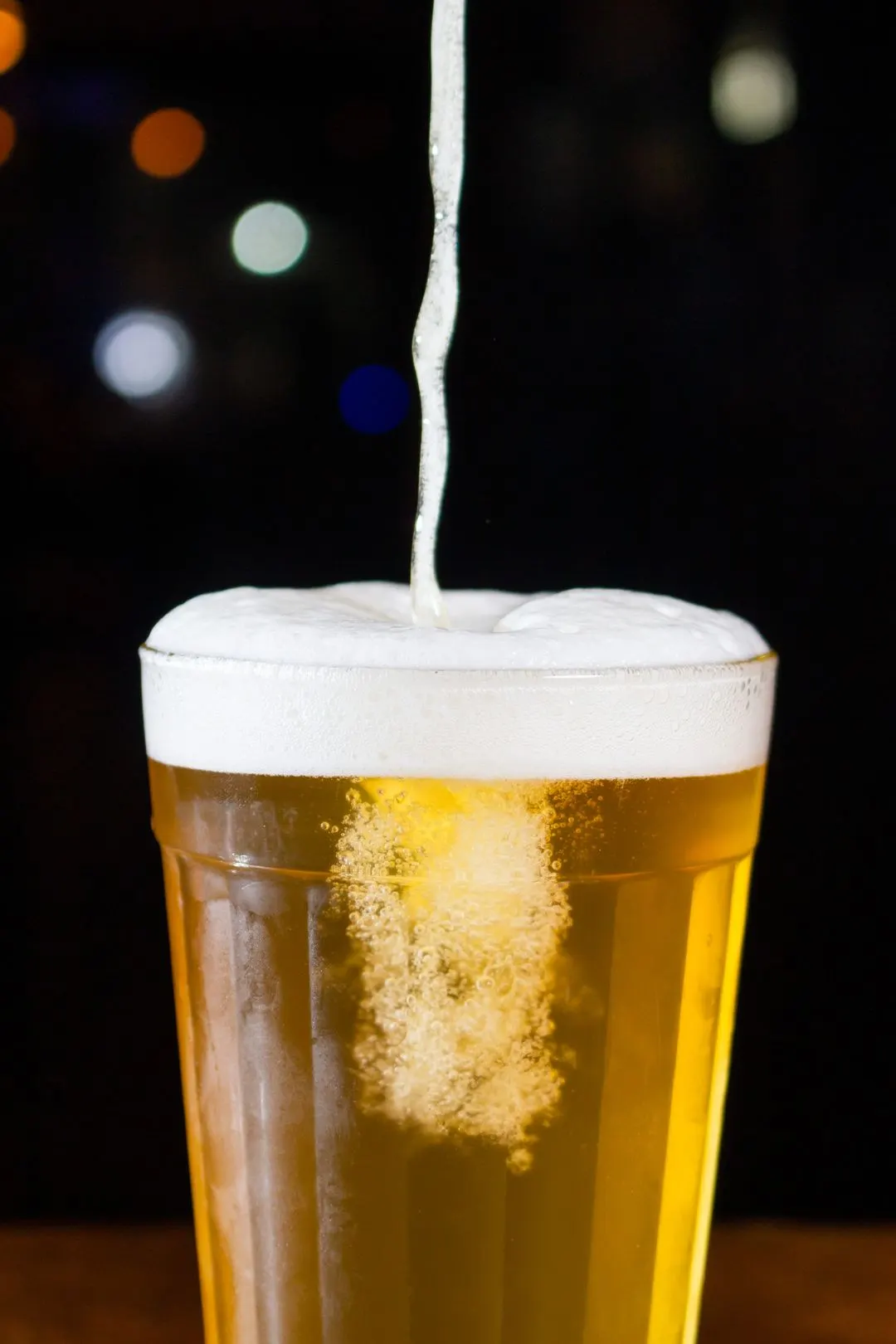
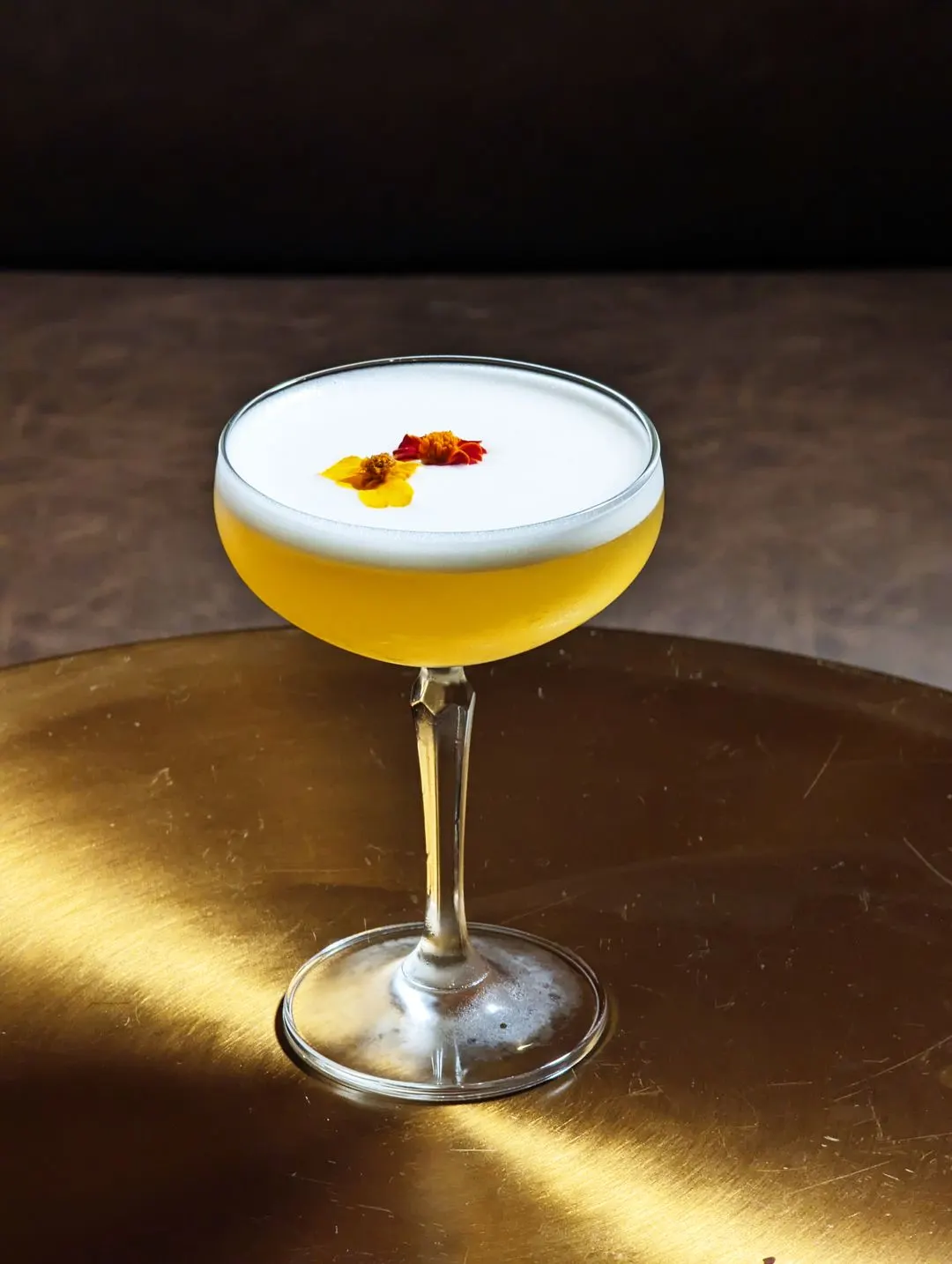
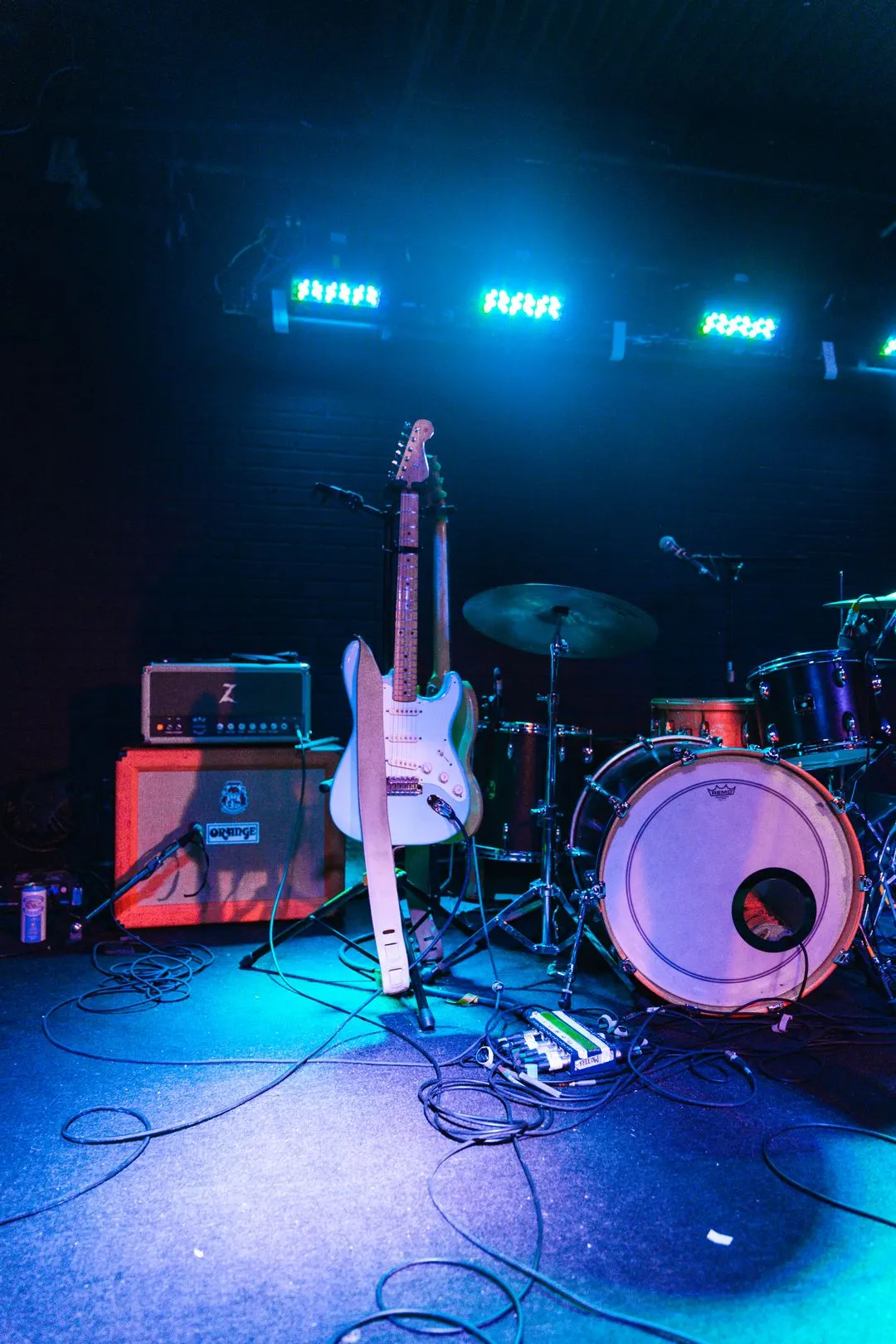
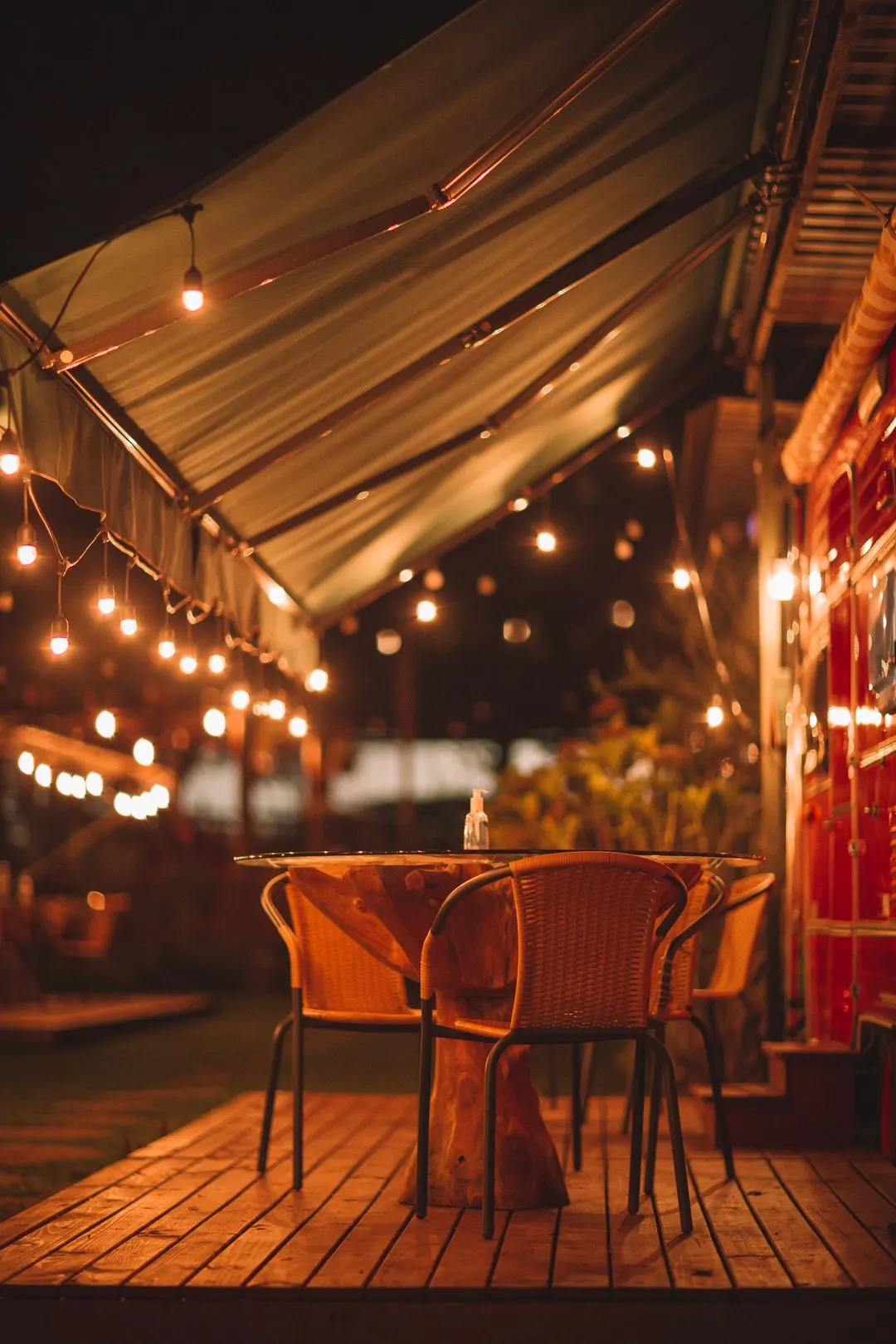
After a scan
The code you already printed, with a show first
Add a promo to any QR code and the next person who scans sees it full screen, then lands where the code points. Connect one promo to many codes at once.
- Continue to site, always on screen - nobody is trapped in a promo
- Skipped when it is not showing - a paused or ended promo never gets in the way of a scan
- No reprinting - change the promo, or remove it, and the code stays the same
Someone scans
Your table tent, poster or coaster
Your promo plays
Full screen, with Continue to site
Then your page opens
Or wherever the code points
On your pages
A button that opens a promo
Point any button or navigation link on your Qbit pages at a promo. It plays full screen, and closing it brings visitors back to the page. The button shows only while the promo is live, and comes back by itself when it is.
- Its own link, too - for a text, an email or a social post
- Or a code of its own - for a poster that opens the promo and nothing else
The Brass Tap
Open today, 3 pm to midnight
Results
Know which slide did the work
See how many people watched, how far they got, which buttons they tapped, and whether they came from a code, a page or the link. Publish a change and the chart marks the day, so you can see if it helped.
- Slide by slide - reach, time on each slide and where people left
- When people watch - a week of hours, in your own timezone
- Export anything - every card downloads as a CSV
Results
Last 30 days1,284
Views
61%
Watched to the end
18%
Tapped a button
Slide by slide
The details
Thought through, so you don't have to.
Scheduled
Set a start and an end, and it shows only in between. Times are in your own timezone.
Paused in a tap
Turn it off and every scan goes straight through. Turn it back on anytime.
Once a day per person
Regulars who scan again that day go straight to the page, so nobody is held up.
Made for every phone
Text sizes to the screen and shrinks to fit, so a promo looks right on a small phone and a large one.
A button on each slide
Send people to the menu, a booking page, a phone number or any website.
Your promo, never our ads
Only what you make is shown. You and your team are never counted in the numbers.
One code. A new promo every night.
Happy hour on weekdays, the band on Friday, brunch on Sunday - all from the code already on the table.
Keep going
A promo is better with somewhere to go.
Design the codes that show it and the pages it leads to.
Make your first promo free.
Build and preview up to 3 promos on the free plan. Publish them with Premium, which holds up to 20.